Shift scheduling for teams of 10 to 200

Rotas, swaps and payroll that give you Sunday night back.

Build the week in minutes, let staff swap shifts on their phone, and send approved hours straight to payroll. Made for restaurants, cafés, clinics and shops.

4.8 from 620 reviews 1,400 teams No card needed

Which kind of shift work is yours?

Kitchens, counters, clinics and shop floors all break a spreadsheet in different places. Midshift ships with the rules each one needs.

All industries
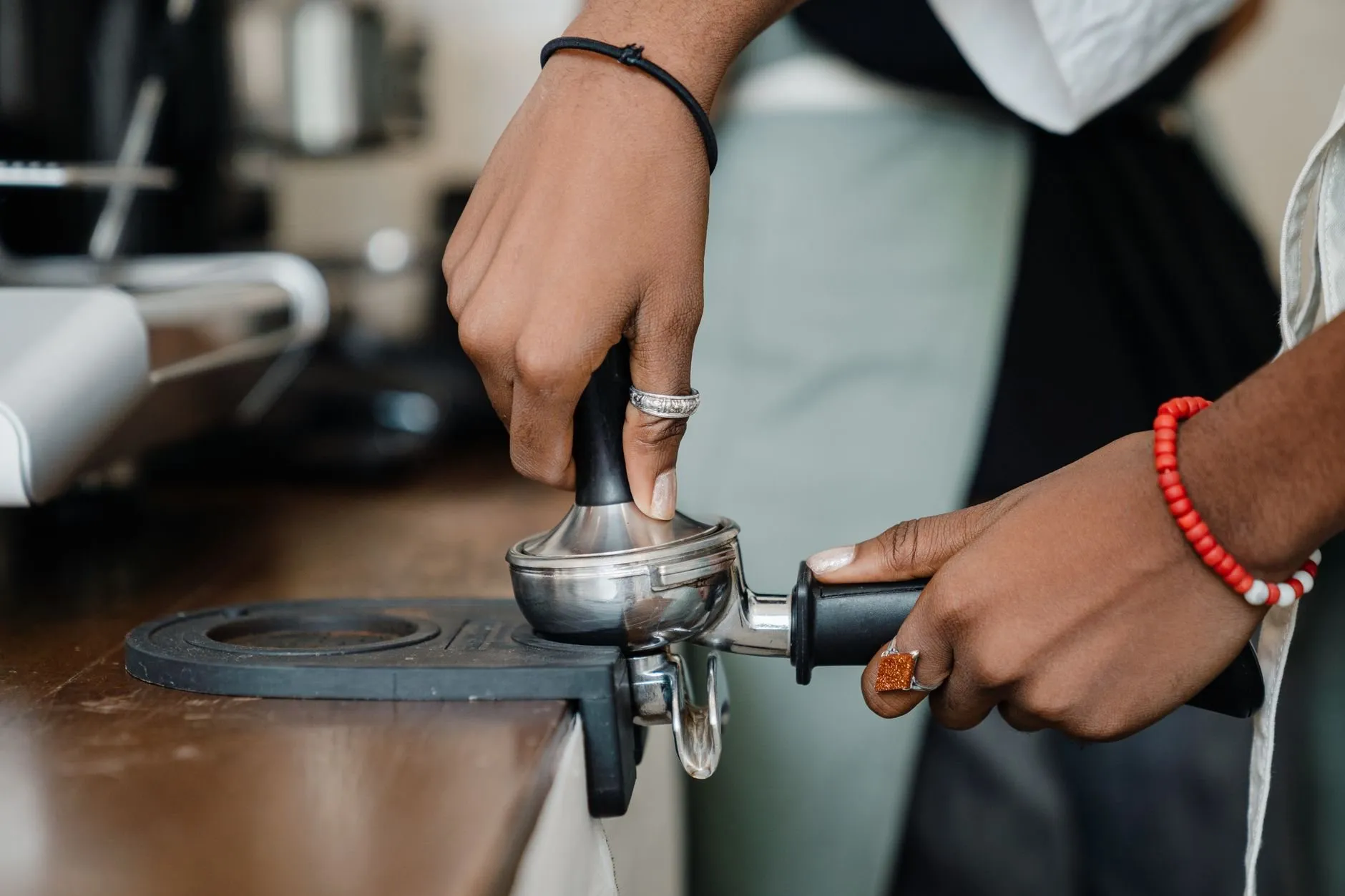
A barista in an apron sets a takeaway cup on the counter next to the espresso machine

9 minutes to publish a normal week

That is the median for a single café copying last week, fixing what changed and sending it to every phone. We timed 40 managers before and after they switched, and wrote down where the rest of Sunday night used to go.

Read the study
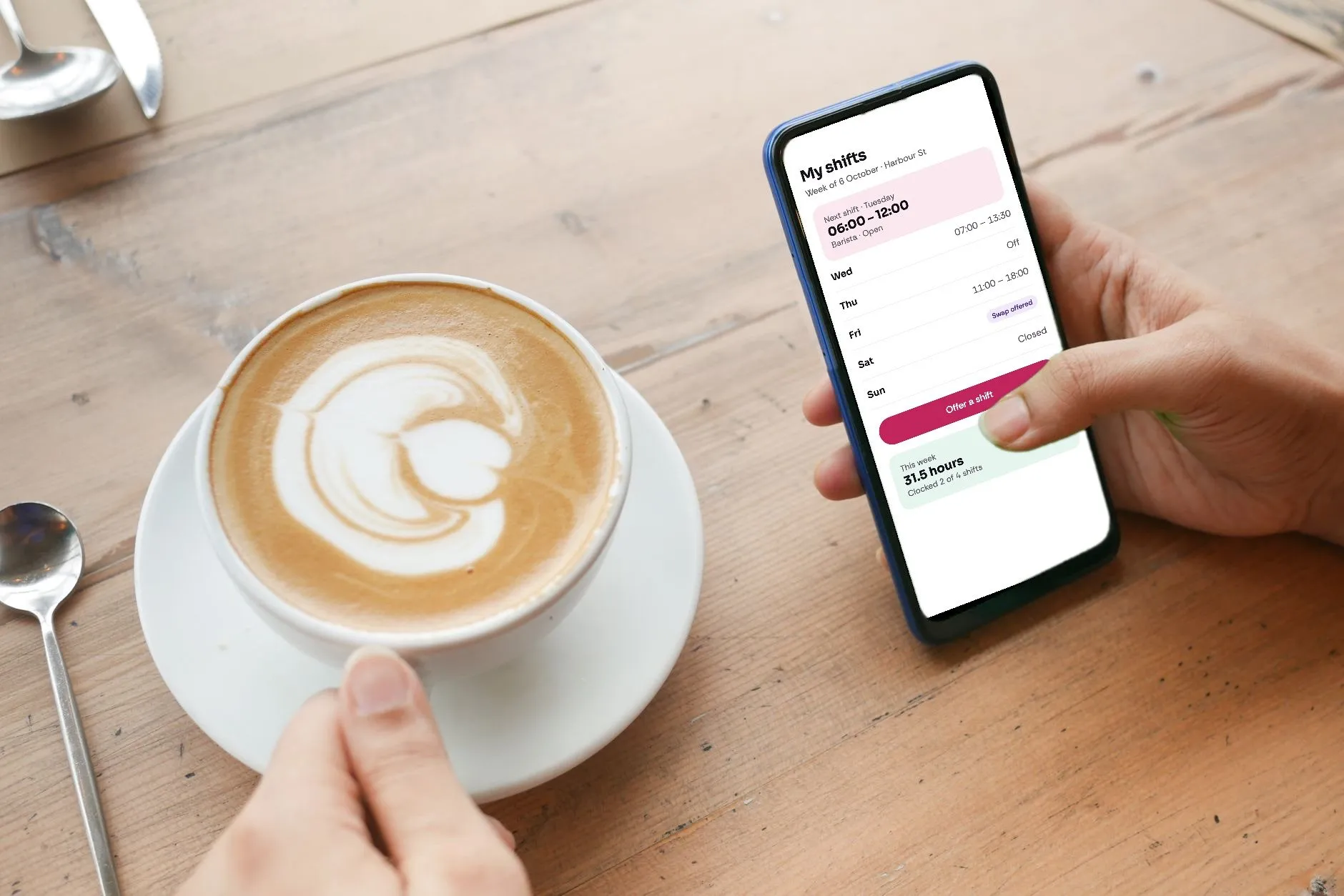
A hand holding a phone showing the Midshift staff app with this week's shifts, beside a cappuccino

How a week runs

The same five jobs every week, now in one place and in the order they happen.

  • Build

    Copy last week, drag the two shifts that changed, and see labour cost against budget as you go.

  • Publish

    Everyone rostered gets the week on their phone. You see who has opened it and who has not.

  • Swap

    Staff offer shifts to people trained for them. You approve with one tap, or let it approve itself.

  • Clock in

    On the shop tablet or their own phone, inside a geofence you set. Late marks sit beside the rota.

  • Pay

    Approve the week and the hours go to payroll — Xero, Sage, BrightPay, QuickBooks or CSV.

See the product

What would Midshift cost your team?

Pay only for people rostered in the month. Staff accounts are free, every plan starts with 30 days at no charge, and there is no contract.

Starter

A single café, shop or clinic with up to 30 people

£62.50 a month for 25 people

£2.50 per person a month

  • Drag-and-drop weekly rota with templates by day part
  • Staff app for iOS and Android, plus text-message shifts
  • Shift swaps and open shifts, approved by you
  • Time-off requests with cover shown before you say yes
  • CSV export of hours, rotas and people

Cheapest for your team

Team

Teams of 20 to 70 across one to three locations

£59 a month for 25 people

£39 a month for 15 people, then £2 each

  • Everything in Starter
  • Clock-in by phone or shared tablet, with geofencing
  • Timesheets with rostered and clocked hours side by side
  • Direct payroll export to Xero, Sage, BrightPay and QuickBooks
  • Labour cost against budget while you build the rota

Business

Groups of 70+ people or more than three locations

£149 a month for 25 people

£149 a month for 75 people, then £1.50 each

  • Everything in Team
  • Unlimited locations and area-manager permissions
  • Staff shared across sites, with travel time respected
  • Single sign-on with Google Workspace or Microsoft Entra
  • Audit log of every published rota and approved timesheet

Compare every plan and team size

Hours back, priced in pounds.

Tell us roughly how your week works today. The estimate uses the timings from our study of 40 managers, not a marketing percentage.

Your team
25
2
6

Worked example: 25 people, 2 locations, 6 hours a week on the rota.

Hours back every month

32 h

Worth, at £18 an hour

£570

Cheapest plan for your team
Team, £59 a month
Left over after paying for Midshift
£511

Rota time drops by about 65%, each person costs about five minutes a week in messages and swaps, and each site about 40 minutes at payroll. How we measured it

Put the two weeks side by side

Same café, same 22 people, same Saturday rush. The difference is where the manager’s evenings go.

Monday
SpreadsheetsType up last week’s hours from the paper sign-in sheet for payroll.
MidshiftApprove last week’s timesheets. Hours are already in Xero.
Tuesday
SpreadsheetsThree holiday requests arrive by text. Two are for the same Saturday.
MidshiftRequests land in one list with cover shown. Approve one, decline one.
Wednesday
SpreadsheetsSomeone asks what time they are on Friday. You send a photo of the printout.
MidshiftNobody asks. It is on their phone.
Thursday
SpreadsheetsBuild next week from scratch around who said they were free.
MidshiftCopy the week, fix two shifts, see the labour cost, publish.
Friday
SpreadsheetsA barista is ill. Twelve messages to find cover.
MidshiftPost an open shift to trained staff. Taken in eleven minutes.
Saturday
SpreadsheetsTwo people swapped without telling you. Nobody opens at 07:00.
MidshiftThe swap came to you for approval. The rota already shows it.
Sunday
SpreadsheetsEvening spent on the rota at the kitchen table.
MidshiftEvening off.

84 staff, four kitchens, one Friday lunchtime

How a Leith restaurant group moved off four spreadsheets in a fortnight.

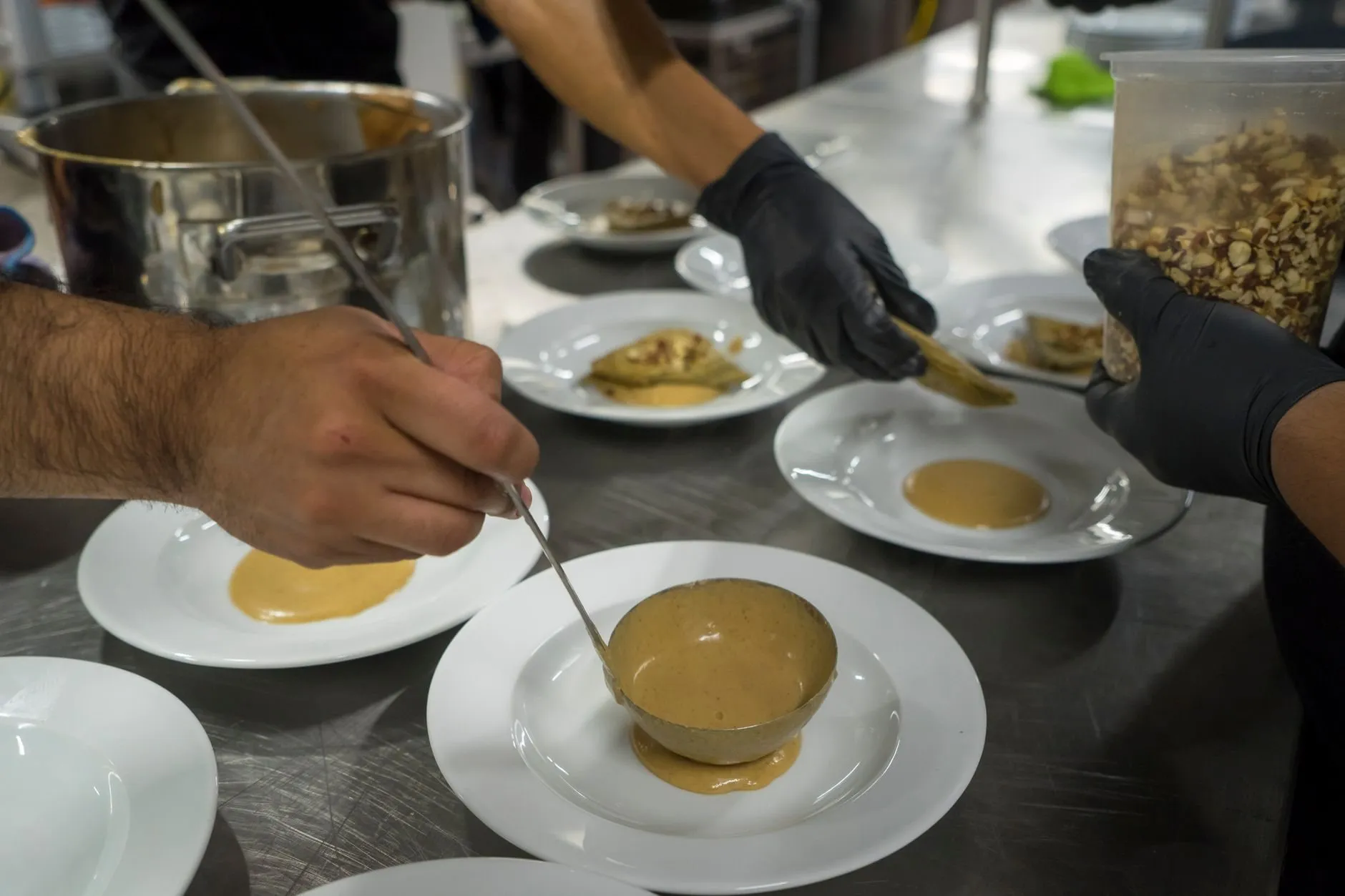
Gloved hands saucing a line of plates on a steel counter during service

Harbour & Vine Kitchens

Three restaurants and a bakery in Leith, 84 staff, one operations manager.

saved every week on rotas and payroll
11 h
saved every week on rotas and payroll
no-shows in the first quarter
−38%
no-shows in the first quarter
from spreadsheet to fully switched
2 weeks
from spreadsheet to fully switched
“Sunday night used to be four spreadsheets and a group chat. Now I publish the week before lunch on Friday, and the swaps sort themselves out without me refereeing.”

Morag DunlopOperations manager, Harbour & Vine Kitchens

Read the story

Also running on Midshift:

  • Restaurant groups
  • Independent cafés
  • Bakeries
  • Dental and GP clinics
  • Care homes
  • Fashion and gift shops
  • Garden centres
  • Hotels and bars

Free help for whoever writes the rota

Guides, spreadsheet templates and webinar recordings — useful whether or not you ever sign up.

All resources

Questions owners ask us first

Every question

Getting started

How long does it take to switch from spreadsheets?

Most teams publish their first real week within an afternoon. Upload your staff list as a CSV (or paste it from a spreadsheet), and we build your first week with you on a 30-minute call. Groups with several sites usually take one to two weeks to move everyone over.

Do my staff need to download an app?

They can, and most do: the iOS and Android apps show their shifts, take swaps and clock in. Anyone who would rather not can use the web version in any phone browser or get their shifts by text message.

Billing

What happens after the 30-day trial?

You add a card, or you do not. Nothing is charged automatically, nothing is deleted for 90 days, and the CSV export works the whole time.

Who counts towards the price?

People with at least one shift in the billing month. Staff who are on leave, seasonal or not rostered cost nothing that month, so a quiet January is cheaper than December.

Payroll

Which payroll software do you export to?

Team and Business plans push approved hours directly to Xero, Sage, BrightPay and QuickBooks, and every plan can download a CSV your bureau already reads. The file has one row per person per week, with rostered, clocked and approved hours side by side.

What happens when someone clocks in late?

Clocked time is kept beside rostered time, never on top of it. You approve the difference once a week, and a dispute months later still has both numbers to look at.

Security

Where is our data stored?

In the UK, in two London data centres, encrypted at rest and in transit. We are registered with the ICO and a GDPR data processing agreement is part of every plan.

Who at our company can see pay rates?

Only people you give the Payroll permission to. Managers can build rotas and approve swaps without ever seeing what anyone earns.

Publish next week’s rota on Midshift.

30 days free, no card, and a setup call where we build your first week with you. Most teams are live the same afternoon.